Configuring the Metabolite database
I suggest double clicking on the RXN Browser
icon
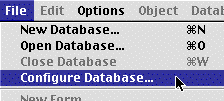
Then when ISIS starts up, pull down the Configure Database menu
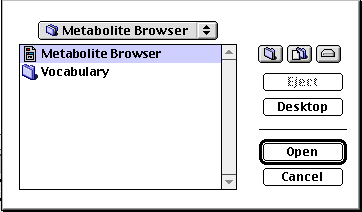
Choose the Reaction Browser database
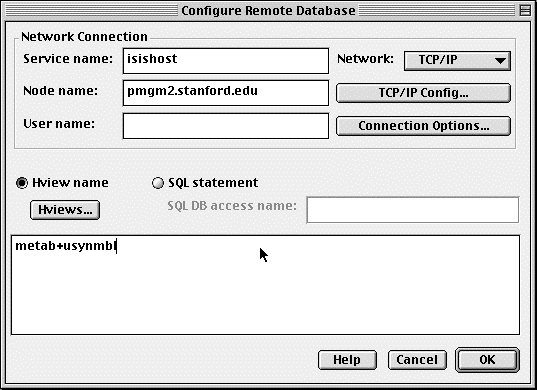
Fill in the Service Name, Node Name, User Name and the names of all the reaction databases
Don't forget to enter the Database Name "metab"
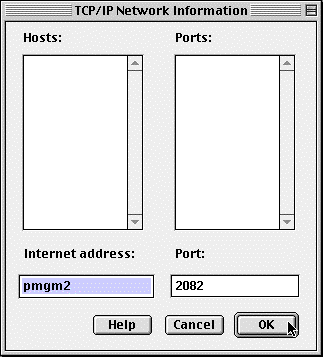
Click on the button  and enter in the Internet Address and Port as shown
below.
and enter in the Internet Address and Port as shown
below.